That gut-wrenching moment. You’re halfway through whipping up a perfect meringue or kneading a silky brioche dough, and suddenly… silence. Your trusty stand mixer, the workhorse of your kitchen, has ground to a halt. Before you panic and start pricing new models, let me tell you a secret: many common issues are surprisingly fixable. Welcome to your ultimate guide for a DIY Repair Stand Mixer At Home, where we’ll turn that kitchen crisis into a moment of empowerment. I’ve been there, staring at a lifeless machine with a bowl full of ingredients, and I’m here to walk you through it.
So, roll up your sleeves, grab a screwdriver, and let’s get that beautiful kitchen appliance back in action. Tackling a repair yourself not only saves you money but also deepens your connection with the tools you use to create. You’ve got this. For a more comprehensive guide on diagnostics, exploring how to troubleshoot a stand mixer can provide deeper insights into identifying the root cause before you begin.
Before You Grab Your Tools: Safety is Everything
Alright, before we get our hands dirty, let’s talk about the most important step in any DIY repair stand mixer at home: safety. This isn’t just a suggestion; it’s a non-negotiable rule. We’re dealing with an electrical appliance, and your well-being is paramount.
- Unplug the Mixer: I can’t stress this enough. Before you even think about touching a screw, disconnect the stand mixer from the wall outlet. Double-check it. This single action prevents any risk of electric shock or the mixer accidentally turning on while you’re working.
- Work in a Clean, Dry Area: Set up your repair station on a stable, well-lit surface like a kitchen table or workbench. Lay down a towel to protect the surface and prevent small screws from rolling away.
- Keep Parts Organized: As you disassemble your mixer, use small bowls or a magnetic tray to keep track of screws and parts. Taking a few photos with your phone at each stage of disassembly can be a lifesaver when it’s time to put everything back together.
What’s Wrong With My Mixer? Diagnosing the Common Culprits
Most stand mixer failures fall into a few common categories. Think of yourself as a kitchen appliance detective. Let’s look at the clues.
The Mixer Won’t Turn On at All
This is the most common and often the easiest problem to solve. Don’t assume the worst!
- Check the Obvious: Is it plugged in properly? I know, it sounds silly, but you’d be surprised. Test the outlet with another small appliance (like a lamp) to make sure the outlet itself is working.
- Inspect the Power Cord: Look for any visible signs of damage, fraying, or cuts along the cord. A damaged cord is a safety hazard and needs immediate replacement. If you find visible damage to the cord, understanding how to replace a mixer power cord is your next crucial step.
- Internal Fuse/Speed Control: In many models, particularly KitchenAid mixers, a component called the speed control plate or a phase control board acts as the brain. Sometimes, a power surge can damage a part on this board. This is a more advanced repair but is definitely achievable.
It’s Making Horrible Grinding or Clicking Noises
If your mixer sounds like it’s chewing on rocks, the problem is almost certainly mechanical. The most likely suspect is a worn-out gear.
According to Lead Appliance Engineer, Sarah Jenkins, “The worm gear in most consumer stand mixers is intentionally designed from a softer material, like bronze or nylon. It acts as a sacrificial part—it will fail before the motor burns out if the machine is overloaded, protecting the most expensive component.”
This is actually good news! Replacing a single gear is far cheaper than replacing the entire motor. This is a very common DIY repair stand mixer at home project.
The Dreaded Oil Leak
Seeing a dark, greasy substance dripping from your mixer’s head can be alarming. It often looks like your machine is bleeding! But don’t worry, it’s usually not as dire as it seems. The grease inside the mixer’s housing can separate over time or with heavy use, causing the oil to leak out. This is a sign that your mixer needs to be cleaned out and re-greased, which is a maintenance task you can absolutely handle.
Your DIY Stand Mixer Repair Toolkit
You don’t need a professional workshop to perform most of these repairs. Here’s a basic list of tools that will get you through the most common fixes:
- A set of Phillips and flat-head screwdrivers
- A small punch or a thin nail to remove retaining pins
- A putty knife or flat scraper for removing old grease
- A pair of pliers (needle-nose are especially helpful)
- Replacement parts (like a new worm gear or food-safe grease)
- Plenty of paper towels or shop rags
|
Our Picks for the Best Stand Mixer in 2026
As an Amazon Associate, we earn from qualifying purchases.
|
||
| Num | Product | Action |
|---|---|---|
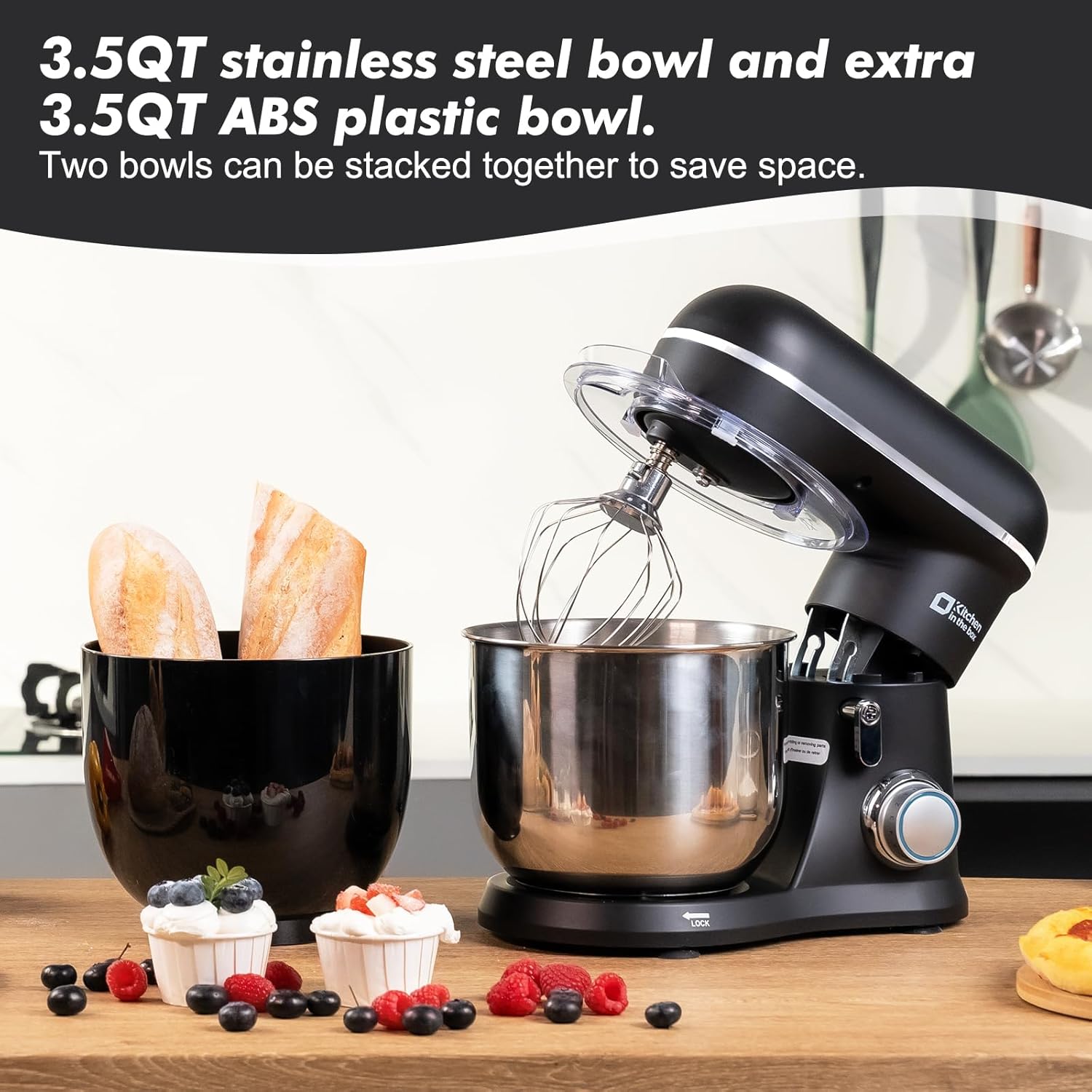
| 1 | Kitchen in the box Stand Mixer, 900W 8.5QT Kitchen Electric Mixer, 6-Speed Large Capacity Food Mixer for Home Cooks with Egg Whisk, Dough Hook & Flat Beater (Black) |

|
| 2 | COOKLEE 6-IN-1 Stand Mixer, 8.5 Qt. Multifunctional Electric Kitchen Mixer with Beater, Whisk, Dough Hook, Meat Grinder and Other Accessories for Most Home Cooks, SM-1507BM, Silvery |
|
| 3 | KitchenAid Artisan Series 5 Quart Tilt Head Stand Mixer with Pouring Shield KSM150PS, Blue Velvet |
|
| 4 | Stand Mixer | Powerful 660W Motor | Large 6.5 Qt. Bowl | 6-Speed Control | Dishwasher-Safe Attachments | Tilt-Head Design | Perfect for Home Bakers (Red) |
|
| 5 | KitchenAid 7 Quart Bowl-Lift Stand Mixer |
|
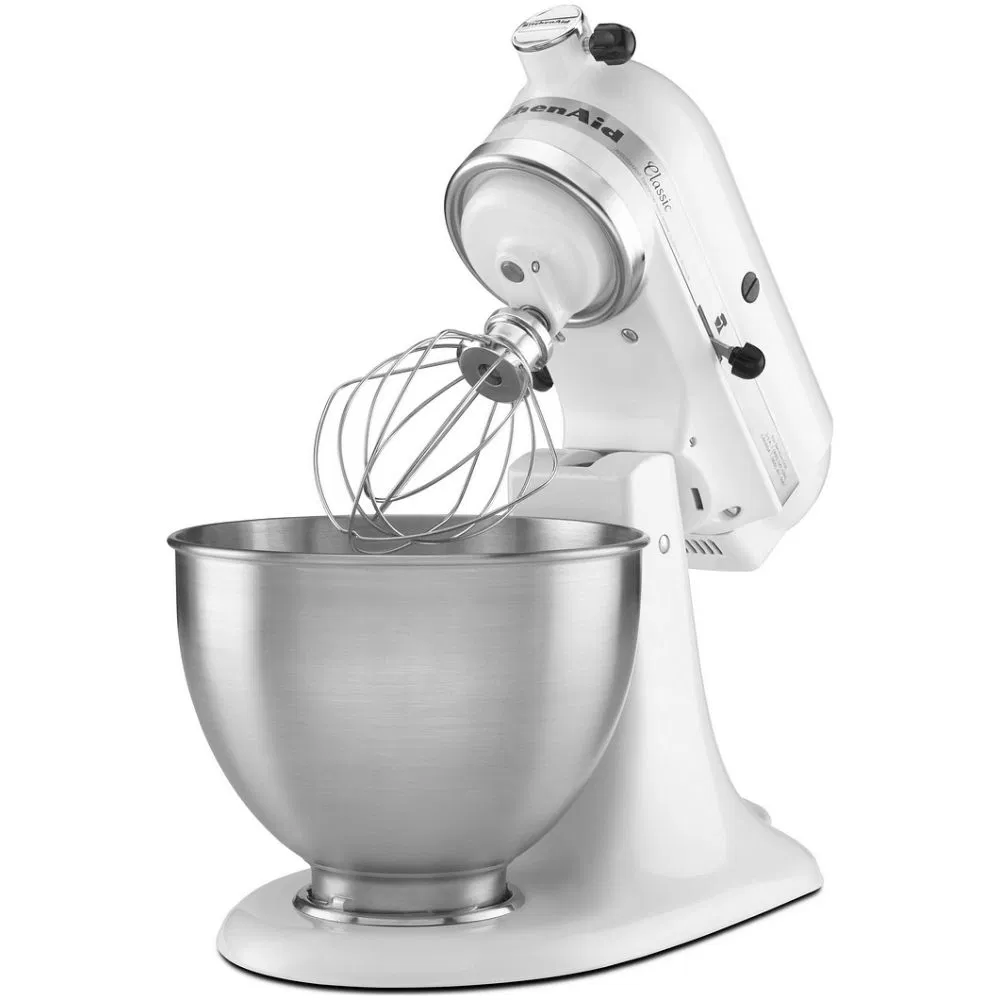
| 6 | KitchenAid Classic Series 4.5 Quart Tilt-Head Stand Mixer K45SS, White |
|
| 7 | 6-in-1 Multifunctional Stand Mixer, 5.3Qt 660W, 6-Speed Tilt-head, Electric Kitchen Mixer with Stainless Steel Bowl,Meat Grinder, Juice Blender (Black) |
|
| 8 | Kitchen in the box Stand Mixer,3.2Qt Small Electric Food Mixer,6 Speeds Portable Lightweight Kitchen Mixer for Daily Use with Egg Whisk,Dough Hook,Flat Beater (Blue) |
|
| 9 | DASH Tilt-Head 3.5qt Stand Mixer 12 Speeds with Paddle, Dough Hook, and Whisk Attaachments - Cream |
|
| 10 | Instant Pot Stand Mixer Pro,600W 10-Speed Electric Mixer with Digital Interface,7.4-Qt Stainless Steel Bowl,From the Makers of Instant Pot,Dishwasher Safe Whisk,Dough Hook and Mixing Paddle,Silver |
|
Step-by-Step Fixes for Your Stand Mixer
Ready to get started? Let’s walk through the most common DIY repair stand mixer at home procedures. We’ll focus on the classic gear replacement and re-greasing, as this solves a huge percentage of noise and leakage issues.
How to Replace a Worn Worm Gear and Re-Grease Your Mixer
This procedure will fix both grinding noises and most oil leaks.
- Safety First! Ensure your mixer is unplugged.
- Remove the Housing: Depending on your model (tilt-head or bowl-lift), you’ll need to remove a few screws to access the motor housing. For most KitchenAid models, this involves removing the decorative band around the mixer’s “neck” and a few screws on the back and bottom.
- Expose the Gears: Once the top housing is off, you’ll see the gearbox filled with grease. It might look messy, and that’s okay.
- Clean Out the Old Grease: This is the messiest part. Use your putty knife and paper towels to scoop out as much of the old, separated grease as possible. You’ll likely see metal shavings if your gear has failed—this is normal.
- Remove the Old Gear: You will need to remove the planetary assembly (the part the attachments connect to) to get to the worm gear. This usually involves tapping out a small pin. Once that’s free, you can lift out the gear tower and access the worm gear.
- Install the New Gear: Pop the new worm gear into place. It should fit snugly.
- Apply New Grease: Now for the fun part. Pack the gearbox with new, food-safe stand mixer grease. Be generous! You want to make sure all the gears are thoroughly coated. Don’t use automotive grease or Vaseline; you must use a grease specifically rated for food-grade appliances.
- Reassemble: Carefully put everything back together in the reverse order you took it apart. Those photos you took will come in handy here! Make sure all screws are tightened properly.
Once reassembled, run the mixer on low speed for a minute to distribute the new grease. The noise should be gone, and your mixer will run smoother than ever.
When Should You Not Attempt a DIY Repair?
While I’m a huge advocate for DIY repair stand mixer at home, there are times when it’s best to call a professional or consider a replacement.
- You Smell Burning or See Smoke: This indicates a serious electrical problem, likely with the motor itself. Unplug it immediately and do not attempt to fix it.
- The Motor Hums But Doesn’t Spin: If you’ve ruled out a stripped gear, this could be a seized motor or a complex electrical issue with the start capacitor.
- The Main Housing is Cracked: A structural crack can compromise the safety and stability of the machine, making it dangerous to operate.
If the repair costs are approaching half the price of a new machine, or if the appliance is very old and parts are scarce, it might be time to learn how to recycle old stand mixer responsibly and invest in a new kitchen partner.
Frequently Asked Questions (FAQ)
Q1: What are the most common stand mixer repairs I can do myself?
The most common DIY repairs include replacing a worn worm gear to fix grinding noises, re-greasing the machine to stop oil leaks, replacing the power cord, and sometimes replacing the speed control plate if the mixer is unresponsive.
Q2: Is it worth it to perform a DIY repair stand mixer at home?
Absolutely. For common issues like a worn gear, the replacement part can cost as little as $10-$20. Considering a new quality stand mixer can cost hundreds of dollars, a DIY repair offers incredible value and extends the life of your appliance.
Q3: What kind of grease should I use in my stand mixer?
You must use a food-safe, high-pressure grease. Look for products specifically labeled for stand mixers or food-grade machinery. Using the wrong type of grease can damage the mixer and contaminate your food. Benalene or similar NSF H-1 rated grease is a popular choice.
Q4: Why is my stand mixer leaking oil?
Oil leakage is typically caused by the grease inside the motor housing separating over time due to heat and use. The oil component becomes thin and drips out. The solution is to open the housing, clean out the old grease, and repack it with fresh food-safe grease.
Q5: How do I know if the stand mixer motor is dead?
A dead motor will usually show clear signs. If you plug in the mixer and there is absolutely no response—no sound, no humming, nothing—and you’ve confirmed the outlet and power cord are working, the motor might be the issue. A burning smell or smoke is a definitive sign of motor failure.
Your Kitchen Workhorse, Restored
There’s an incredible sense of satisfaction that comes from bringing a beloved tool back to life with your own two hands. Your stand mixer is more than just an appliance; it’s a partner in your creative culinary journey. By learning how to perform a DIY repair stand mixer at home, you’ve not only saved money but also ensured that your partner will be ready for countless more batches of cookies, loaves of bread, and birthday cakes.
Now, go get back to baking! And feel free to share your repair success stories in the comments below.