Welcome to the heart of your kitchen, the command center of your culinary creations: your stand mixer. This trusty appliance is more than just a motor and a bowl; it’s a partner. And like any good partnership, knowing how to communicate and adapt is key. That’s why mastering How To Replace Stand Mixer Attachments is one of the most fundamental skills you can learn. It might sound simple, but getting it right ensures perfect mixes, protects your machine, and unlocks its full potential. Ready to turn that “click” of a new attachment into the sound of success? Let’s dive in.
For those just starting their baking journey, understanding the core mechanics of your machine is crucial. While we’re focusing on attachments, getting a grip on common issues can save you a lot of headaches down the line. To learn more about identifying and fixing problems, exploring a guide on how to troubleshoot a stand mixer can be a real game-changer.
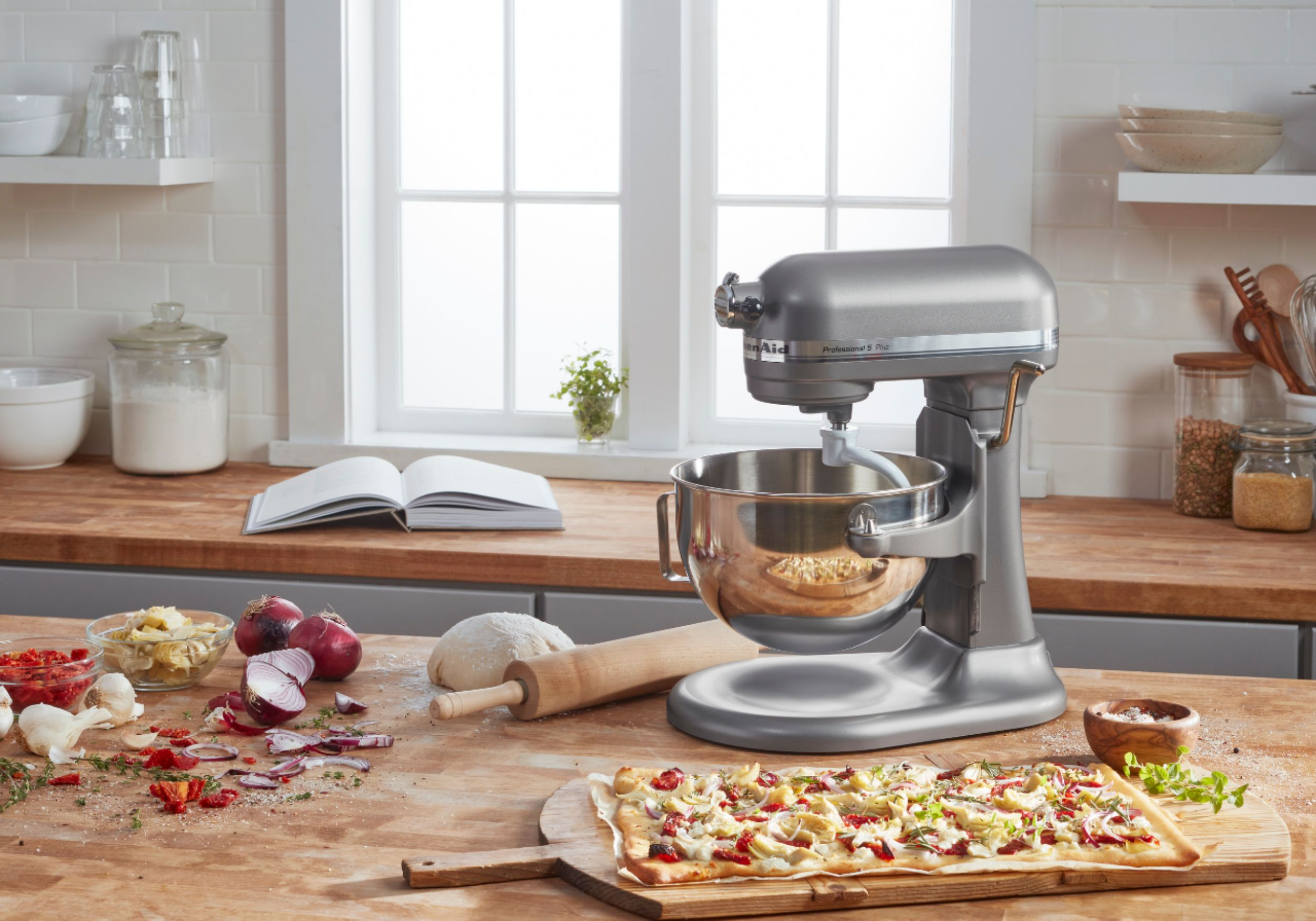
Why Getting Attachment Swapping Right Matters
Think of your stand mixer attachments as different sets of tires for a race car. You wouldn’t use slicks in the rain, right? The same principle applies here. Using a whisk when you need a dough hook won’t just give you poor results; it can put unnecessary strain on your mixer’s motor.
Properly swapping your tools ensures:
- Optimal Performance: Each attachment is engineered for a specific job. The wire whip aerates, the flat beater mixes, and the dough hook kneads. Using the right tool guarantees the best texture and consistency.
- Machine Longevity: Forcing an attachment on or off, or using one that isn’t seated correctly, can damage the beater shaft or the attachment itself. A little finesse goes a long way in keeping your workhorse running for years.
- Safety: A loose attachment can wobble or even detach during operation, which is a recipe for a kitchen disaster. A secure fit is a safe fit.
The Big Three: Know Your Tools of the Trade
Before we get into the mechanics, let’s quickly re-introduce the main players that typically come with your stand mixer.
- Flat Beater (or Paddle): This is your all-purpose MVP. It’s perfect for creaming butter and sugar, mixing cake batters, and mashing potatoes. It’s the one you’ll likely use most often.
- Wire Whip (or Whisk): Designed to incorporate air. This is your go-to for whipping egg whites into stiff peaks for meringue, creating fluffy whipped cream, or making light frostings.
- Dough Hook: Shaped like a “C” or a spiral, this attachment mimics the motion of hand-kneading. It’s essential for developing gluten in bread doughs, pizza dough, and pasta.
How to Replace Stand Mixer Attachments: The Step-by-Step Guide
Whether you have a tilt-head or a bowl-lift model, the basic principle is the same: push up, turn, and release. Let’s break it down into a foolproof process.
For Both Tilt-Head and Bowl-Lift Models:
- Safety First! Always Unplug: Before you even think about touching the beater shaft, unplug your stand mixer from the wall outlet. This is a non-negotiable step. I’ve heard too many horror stories of accidental activations.
- Set the Speed to ‘0’: Double-check that the speed control lever is in the “Off” or ‘0’ position. It’s a good habit to build.
- Raise the Mixer Head/Lower the Bowl:
- Tilt-Head Models: Unlock the head using the lever on the side and tilt it back until it locks in place. This gives you clear access to the beater shaft.
- Bowl-Lift Models: Crank the bowl-lift handle counter-clockwise to lower the bowl completely. This will provide the space you need to work.
Removing the Attachment:
- The “Push and Turn” Motion: Grasp the attachment firmly. Gently push it upward into the machine as far as it will go. While holding it up, turn it counter-clockwise (to the left). You’ll feel it release from a small pin inside the shaft.
- Lower and Remove: Once it’s free from the pin, you can lower the attachment and pull it away from the shaft. That’s it!
Installing a New Attachment:
- Align the Notch: Look at the top of your new attachment. You’ll see a notch or groove. Now look at the beater shaft on the mixer. You’ll see a small pin sticking out. The goal is to align the notch on the attachment with the pin on the shaft.
- Reverse the Motion: Push the new attachment upward onto the shaft, making sure the pin goes into the groove. Once it’s pushed all the way up, turn it clockwise (to the right) until you feel it lock into place over the pin.
- The Tug Test: Give the attachment a gentle downward tug. It should feel snug and secure. If it wobbles or comes off, you haven’t locked it correctly. Just repeat step 7.
- Return to Position: Lower the mixer head (and lock it) or raise the bowl back into its mixing position. You’re now ready for your next task!
As renowned pastry chef Isabelle Dubois often says, “The connection between the mixer and its attachment is like a handshake. It needs to be firm, confident, and secure. A weak connection leads to a clumsy dance in the bowl.”
Troubleshooting Common Attachment Issues
What if things don’t go as smoothly as planned? Don’t panic. Here are a couple of common hiccups and how to handle them.
My Attachment is Stuck!
This usually happens due to dried-on batter acting like glue.
- The Warm Towel Trick: Soak a cloth in hot water, wring it out, and wrap it around the top of the attachment where it connects to the shaft. Let it sit for 10-15 minutes. The warmth and moisture can soften the gunk, making it easier to twist off.
- A Little Lubrication: If that doesn’t work, a tiny dab of food-grade mineral oil or even cooking oil around the joint can help. Give it a gentle wiggle to work the oil in before trying the push-and-turn motion again.
My Beater is Hitting the Bowl!
This is a clearance issue, not an attachment installation problem, but it often gets discovered when you replace stand mixer attachments. Most mixers, especially KitchenAid models, have an adjustment screw to raise or lower the beater. This is often called the “dime test” and is a critical part of machine maintenance. Keeping your machine well-maintained is key, and this process has similarities to learning how to lubricate a kitchenaid mixer, where small adjustments lead to big performance gains.
Upgrading and Finding Replacement Attachments
Sometimes, the reason you need to know how to replace stand mixer attachments is because one has been lost, broken, or you’re looking for an upgrade.
- OEM vs. Third-Party: Original Equipment Manufacturer (OEM) attachments are made by the brand (e.g., KitchenAid, Cuisinart) and guarantee a perfect fit. Third-party options can be cheaper but always double-check compatibility with your specific model number.
- Material Matters: Many standard beaters are coated aluminum. These are great, but the coating can chip over time. For heavy-duty use, consider investing in solid stainless steel attachments. They are dishwasher safe and incredibly durable, a must-have for anyone looking at a stand mixer for professional chefs.
- Specialty Attachments: Don’t forget the universe of attachments beyond the big three! Flex-edge beaters with a silicone scraper, pastry beaters, and ice cream makers can transform your appliance into a true multi-tasker.
And when an old, coated attachment is truly beyond repair, it’s important to dispose of it properly. For those interested in sustainable kitchen practices, learning how to recycle old stand mixer parts is a great next step.
The world of kitchen tech is always evolving, and it’s exciting to see how these classic machines are being updated. Some modern machines even offer features that would have seemed like science fiction a decade ago, which is a fascinating topic for anyone curious about a smart stand mixer for connected kitchen.
Frequently Asked Questions (FAQ)
Q1: How do I know if I’ve installed the stand mixer attachment correctly?
A: Give it a gentle pull downwards after locking it in place. A correctly installed attachment will not move or wobble. It should feel like a solid extension of the mixer head.
Q2: Can I put all my stand mixer attachments in the dishwasher?
A: Not always. Solid stainless steel attachments are generally dishwasher safe. However, standard coated beaters and dough hooks, along with any “burnished” aluminum attachments, should be hand-washed to prevent the finish from oxidizing or chipping. Always check your user manual.
Q3: Why is my wire whisk getting bent?
A: This typically happens when the whisk is used for a mixture that is too thick or heavy. Whisks are designed for light, airy tasks like whipping cream or eggs. For heavier batters, you need to learn how to replace stand mixer attachments and switch to the flat beater.
Q4: Can I use attachments from a different brand on my mixer?
A: It is highly discouraged. Attachments are designed to fit the specific geometry and locking mechanism of their corresponding brand and model. Using an incompatible attachment can damage your mixer and void your warranty.
Q5: My flat beater’s coating is chipping. Do I need to replace it?
A: Yes, you should replace it immediately. You don’t want flakes of the coating ending up in your food. This is a perfect opportunity to upgrade to a more durable stainless steel version.
Your Kitchen, Your Rules
Mastering the simple twist and lock of changing your attachments is a rite of passage for any stand mixer owner. It’s the first step in unlocking the true versatility of this incredible kitchen appliance. From kneading dense sourdough to whipping delicate meringues, the right tool makes all the difference. Now that you know how to replace stand mixer attachments with confidence, the creative possibilities are endless. So go ahead, get in there, and mix something amazing. What will you create first?